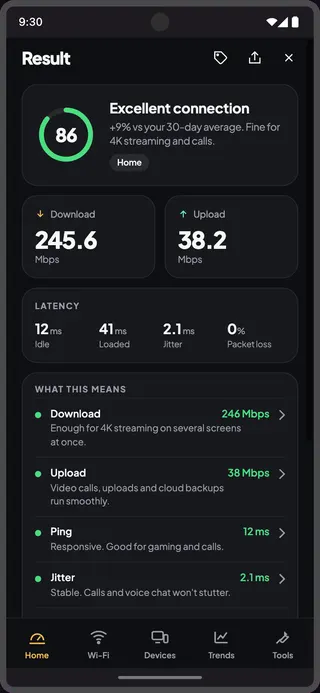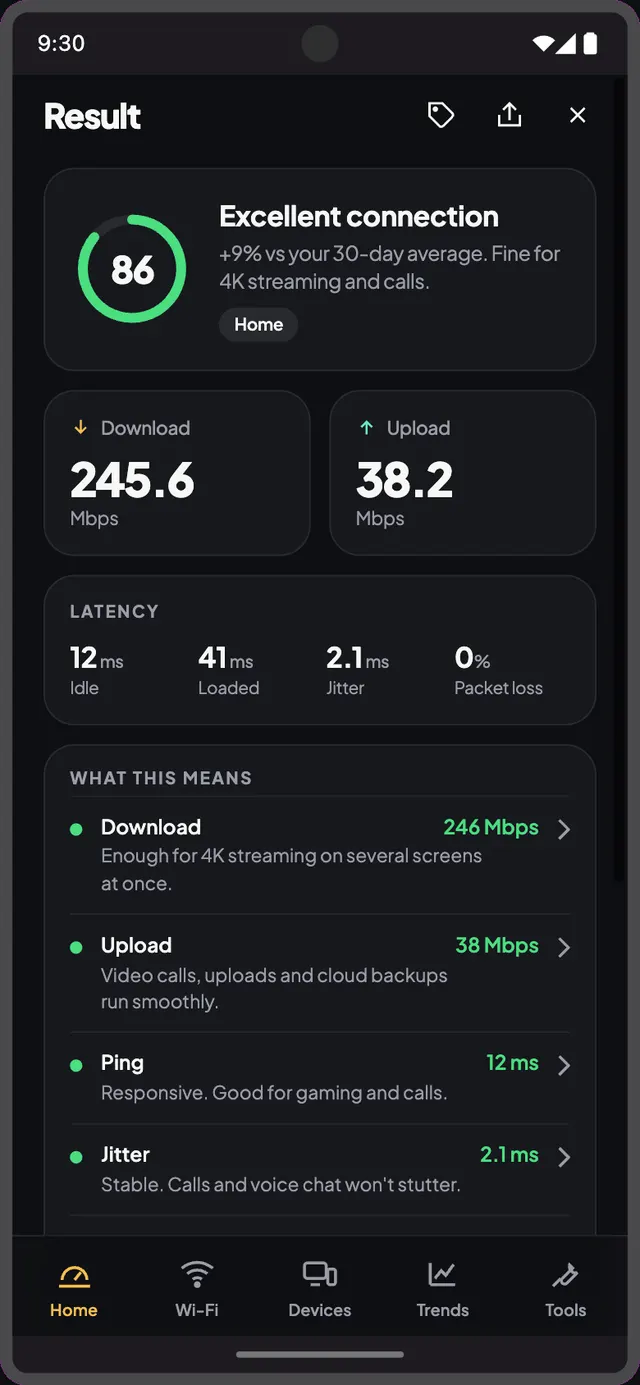
Jitter is how much your ping changes from one moment to the next. Ping, also called latency, is how long data takes to reach a server and come back, in milliseconds. A connection with a steady 40 ms ping feels smooth; one that swings between 20 and 150 ms feels choppy, even though its average looks fine. That swing is jitter, and it is the number that makes video calls stutter and games feel inconsistent.
Latency and ping: the delay
Every time your phone asks a server for something, the request travels through your WiFi, your router, your provider’s network and the wider internet, and the answer travels back. The time that round trip takes is the latency. “Ping” is the name of the classic tool that measures it, and most speed tests use the word for the result.
Latency depends mostly on distance and on how busy each step of the path is. A server in your own city might answer in 10 to 20 ms; one on another continent takes 150 ms or more, because even light in fibre needs time to cross the ocean. A faster plan barely changes it.
Jitter: how steady the delay is
Jitter measures how much the latency varies between one round trip and the next. Cloudflare’s speed test, for example, calculates it from the gaps between consecutive round-trip times (Cloudflare: About the speed test). Zero jitter would mean every round trip takes exactly the same time.
Real-time traffic suffers most. A call sends a steady stream of small packets; if some arrive late, the app either waits (and the call lags) or skips them (and the audio breaks up). Cloudflare points to buffering and queues in busy routers as a common cause (Cloudflare blog).
What good numbers look like
- Ping under 30 ms: excellent. Fast games and calls feel instant.
- 30 to 60 ms: good for calls and most online games.
- 60 to 100 ms: fine for browsing and streaming, noticeable in fast games.
- Over 100 ms: you will notice delay in calls and games.
- Jitter under about 10 ms: steady enough for calls and games. Above 30 ms, expect stutters.
For voice calls, the international guideline is to keep one-way delay under 150 ms, which is roughly a 300 ms round trip, if conversation is to feel natural (ITU-T G.114). Games are less forgiving than calls.
How to measure them
WiFiy’s speed test shows latency, jitter and packet loss next to download and upload on every result, with “What this means” for each. In the browser, the ping test sends 30 small requests to the nearest Cloudflare location and shows the median, the jitter and any that failed.
Run the test twice: once next to the router and once where you use the connection. If ping and jitter jump only in that room, the WiFi is adding the delay, not your provider.
What makes them worse
- Weak WiFi signal: the router and device have to resend data, which adds delay and spreads it out.
- A busy channel: devices wait for a gap in the air before they can send. See how to find the best WiFi channel.
- A full connection: a large upload or download fills the router’s queues, and everything else waits behind it. This is why calls break up while someone uploads photos.
- Distance to the server: nothing at home can fix the trip across the ocean; pick nearby game servers where you can.
For step-by-step fixes, see why is my ping so high.
Packet loss, the third number
Packet loss is data that never arrives. Even 1 to 2% makes calls choppy and games rubber-band, because the missing pieces have to be resent or skipped. On WiFi it usually points to a weak signal or interference; on every device at once, including wired ones, it points to the line.
What matters for each activity
- Video calls: jitter and packet loss matter most. A steady 60 ms is better than a jumpy 25 ms.
- Fast online games: low ping matters most, then jitter. Pick the nearest server region in the game’s settings.
- Cloud gaming: needs both low ping and plenty of download, because it streams video of the game to you.
- Streaming films and series: barely affected by ping; apps buffer ahead, so download speed is what counts.
- Browsing: lower ping makes pages start loading sooner, but anything under about 100 ms feels fine.