WiFi QR code generator Guests join without the password.
Enter your network name and password, then print the code or show it on screen. Phone cameras on Android and iPhone join straight away.
Made in your browser. Your network name and password are never sent to us or anyone else.
How a WiFi QR code works
The code holds a short line of text in a format phones recognise: the network name, the security type and the password. When a guest points their camera at it, the phone offers to join the network, with no typing and no password read aloud.
It works with the built-in camera on recent iPhones and Android phones. Older phones may need a QR scanning app.
Sources: ZXing: the WIFI: QR format
Keep it safe
Anyone who scans the code can join your network, so treat a printed code like the password itself. For visitors, a guest network on your router keeps them away from your own devices; make the code for that network instead.
If you change your WiFi password, the old code stops working. Make a new one.
See who joined
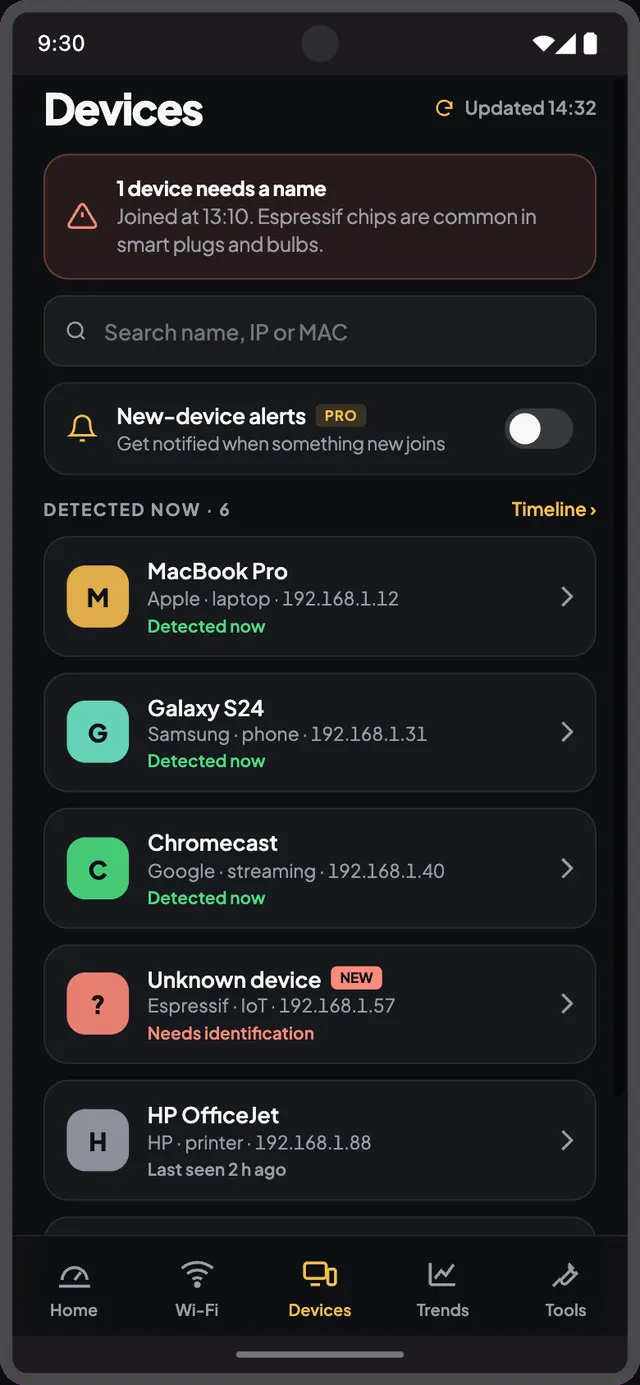
WiFiy lists every device on your network with its name and maker, so you can check who is connected after guests leave. Share QR is also built into the app, free.
Questions people ask
A person replies, usually within a couple of hours. The promise is one working day.
01Is it safe to type my WiFi password here?
Yes. The code is made by your browser on your device. The network name and password are never sent to wifiy.app or anywhere else.
02Do iPhones scan WiFi QR codes?
Yes. The built-in Camera app on recent iPhones recognises WiFi QR codes and offers to join the network. Recent Android phones do the same in their camera or WiFi settings.
03What if my network has no password?
Choose “None” as the security type and leave the password empty. The code then joins the open network directly.
04What does “hidden network” do?
Tick it if your router doesn’t broadcast its name. The phone then looks for the network by name instead of waiting to see it in the list.
05Will the code still work if I change my password?
No. The password is stored in the code, so make a new code after changing it.
Scan your WiFi in thirty seconds.
Free on Android and iPhone. No account, no card.
Test your speed in the browserFree · no install · 15 s