Open port checker Is your port reachable from outside?
Enter a port and we try to connect to it on your own public IP from the internet, the way a game server or remote app would.
Tests only your own public IP address, one port at a time, from our server on Cloudflare (speedtest.wifiy.app). Nothing is logged or stored.
What “open” and “closed” mean
Open means a connection from the internet reached a program listening on that port at your address. That is what you want when you host a game server, a home camera system or a remote-access tool, and what you don’t want for anything you didn’t set up on purpose.
Closed means nothing answered in four seconds: no program is listening, your router isn’t forwarding the port, or a firewall is blocking it. For most homes, closed is normal and safe. Routers block incoming connections unless you forward a port.
Checking port forwarding
To make a port reachable, the router has to forward it to the right device, and that device has to have the program running and its own firewall open. Check all three: the forwarding rule in the router admin, the device’s local IP in the rule (it can change unless you reserve it), and that the program is running when you test.
Some providers share one public IPv4 address between many customers (carrier-grade NAT). Then no forwarding rule can make a port reachable, and you need to ask the provider for a public IP. If the IP shown here differs from the WAN address in your router admin, that is usually why.
IPv4 and IPv6
The test uses the address your browser reached us from, which may be IPv6. Most home routers block incoming IPv6 connections by default, so a port can be reachable over IPv4 and closed over IPv6. If you need it open on IPv6, look for an IPv6 firewall or pinhole setting in your router.
Check ports inside your network too
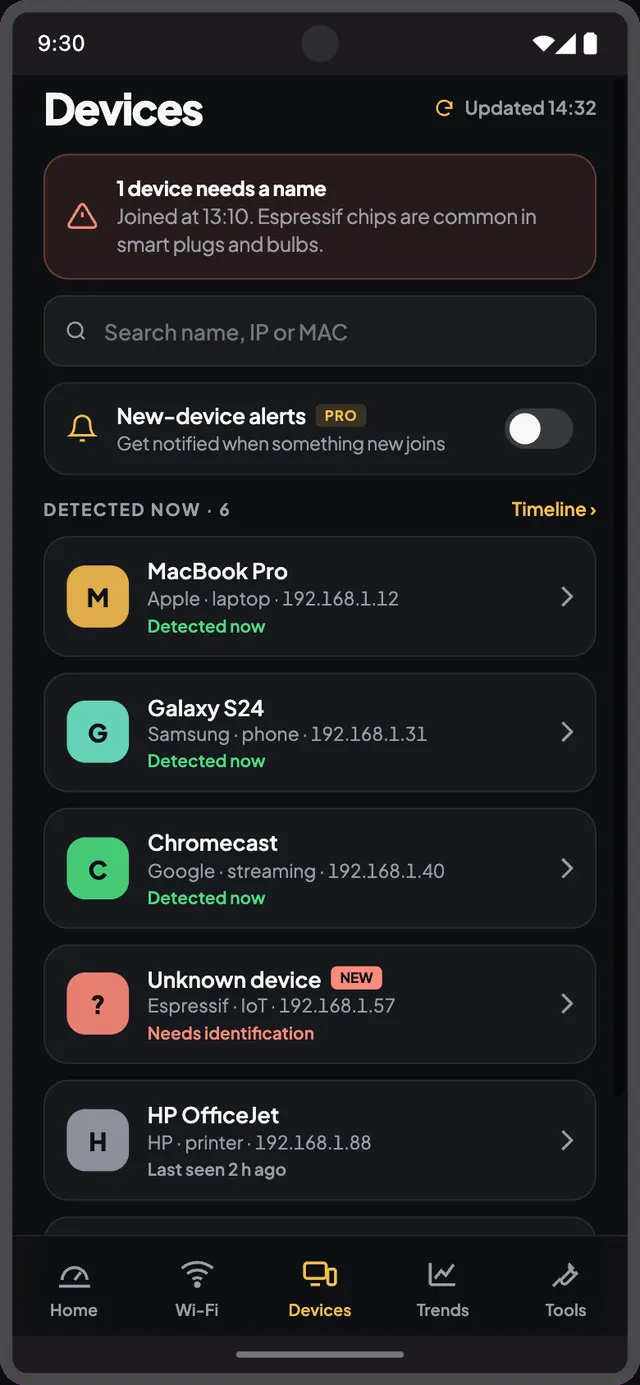
WiFiy Pro’s port check tests a port on any device or host, alongside ping, DNS lookup and traceroute. The Devices tab lists every local IP for your forwarding rules.
Questions people ask
A person replies, usually within a couple of hours. The promise is one working day.
01How do I check if a port is open?
Enter the port above and run the check. We try to connect to it on your public IP from the internet. If it reads open, something on your network is accepting connections on that port.
02Why does my port show closed after I forwarded it?
Usually the program isn’t running, the device’s own firewall blocks it, the forwarding rule points at an old local IP, or your provider uses shared IPv4 addresses (carrier-grade NAT).
03Can I check ports on someone else’s IP?
No. This checker only tests the public IP you are connecting from, so it can’t be used to scan other networks.
04Is an open port dangerous?
Only if the program behind it is out of date or poorly protected. Open only the ports you need, keep that software updated, and close forwarding rules you no longer use.
05Why can’t I test port 25?
Cloudflare, which runs the checker, doesn’t allow outgoing connections on port 25 (email), so that port always reads not reachable here.
Scan your WiFi in thirty seconds.
Free on Android and iPhone. No account, no card.
Test your speed in the browserFree · no install · 15 s