Everything the router app won’t tell you.
Four tabs: Home, Network, Trends, Tools. Each screen ends in a verdict and the one thing to do next.
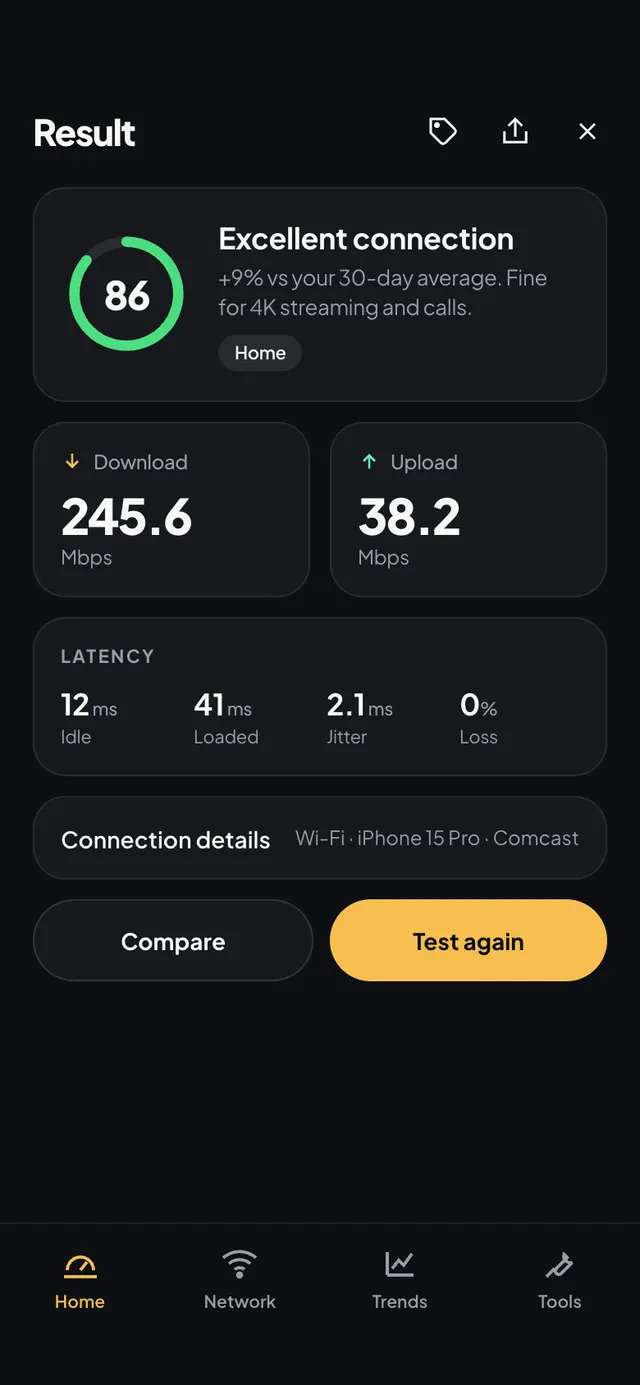
A speed test you can compare week to week.
Download, upload, latency and jitter, then a verdict against what your plan promises. Pin a server so every run measures the same thing.
- Verdicts like “Good for 4K on two TVs”
- Pinned servers: three free, unlimited on Pro
- Share a result as an image or QR
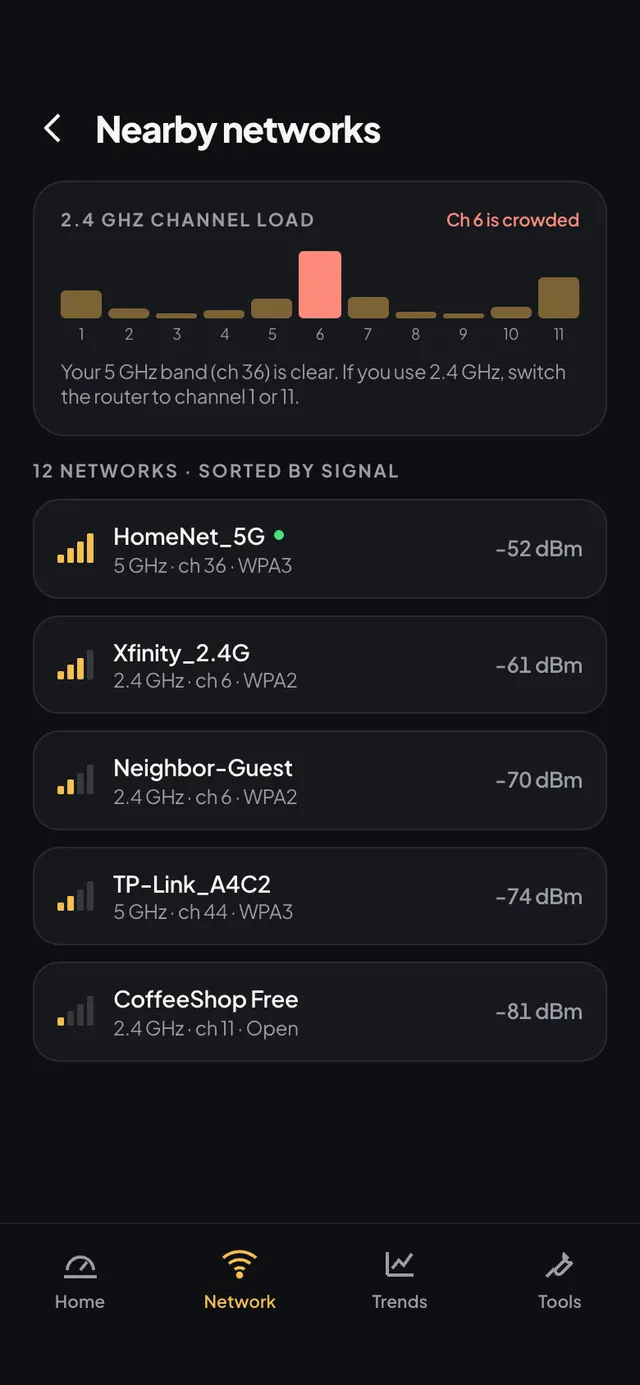
Every network around you, and the channel yours should be on.
A live graph of 2.4 and 5 GHz with overlap shown plainly. WiFiy names the least crowded channel and tells you what changing it would do.
- Channel graph for 2.4 / 5 / 6 GHz
- Best-channel recommendation
- Access-point detail: BSSID, security, width
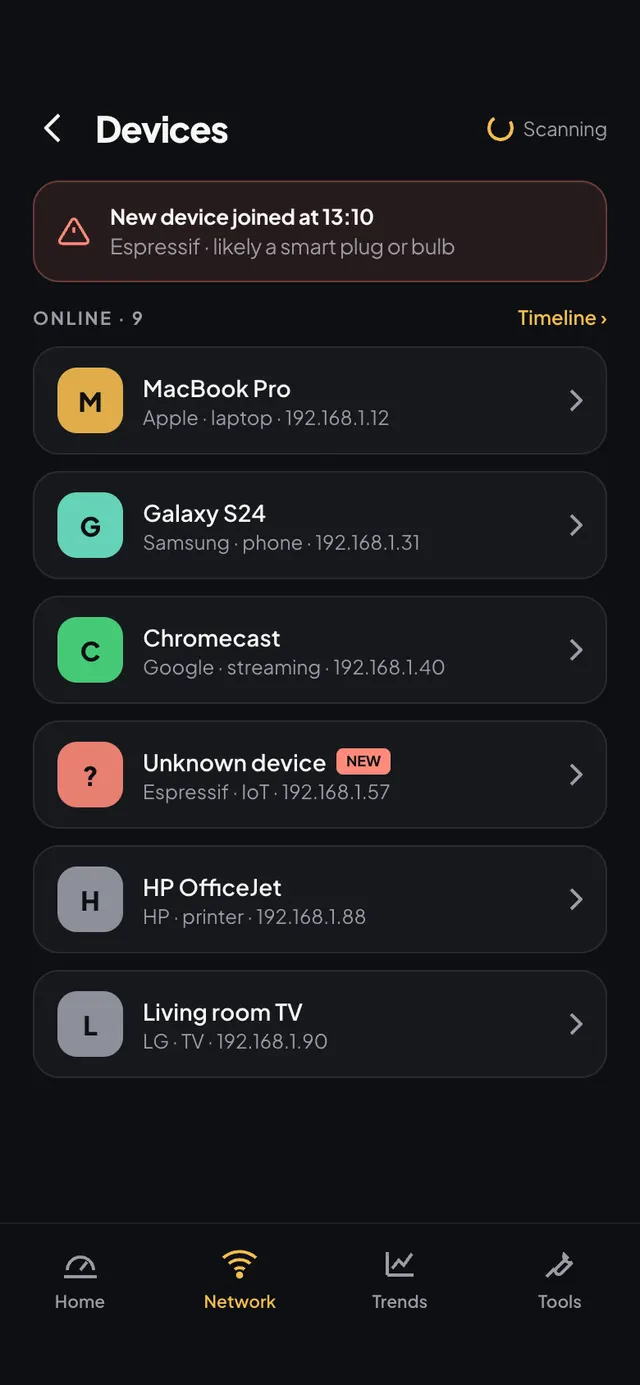
Who’s on your WiFi, named.
Phones, TVs, plugs and the odd thing you do not recognise. Label the ones you know; the list remembers. New devices are flagged the first time they appear.
- Maker, IP and first-seen time
- Rename and label devices
- Wake-on-LAN and router admin from the device page
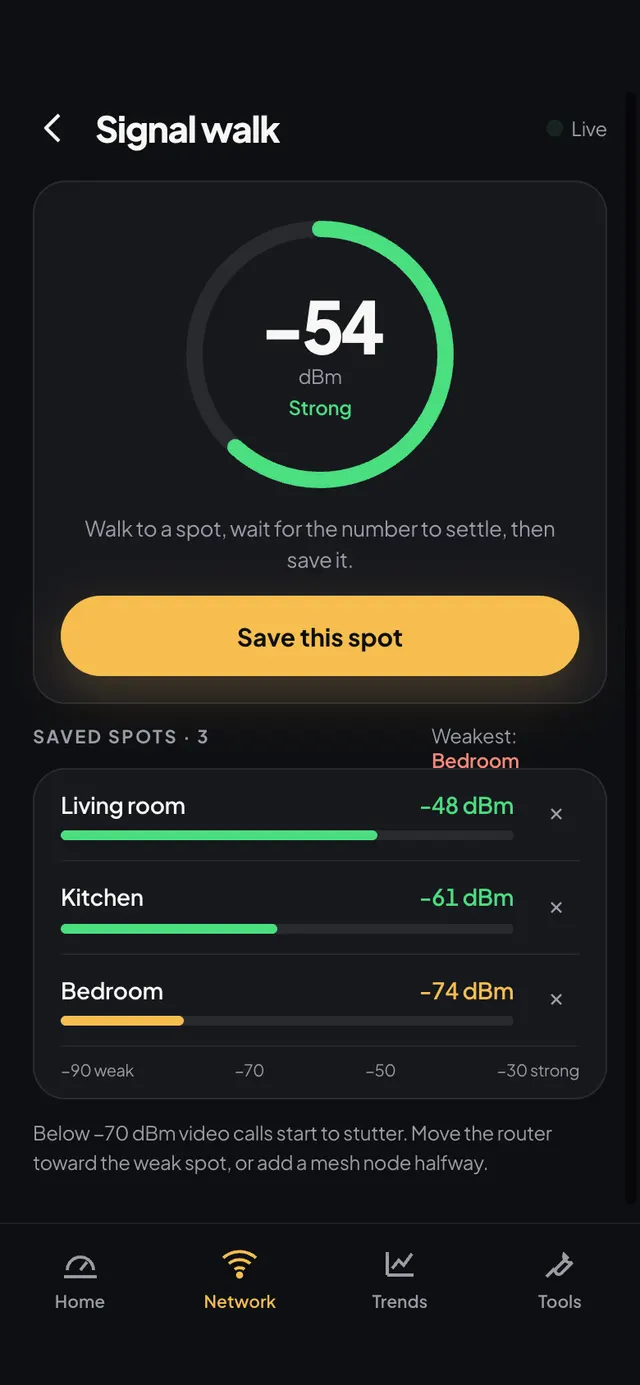
Walk the house. Save the dead spots.
Signal strength recorded as you move. Save a spot by name, change something (move the router, add a mesh node) and walk again to see if it worked.
- Live dBm with a plain “good / fair / weak” band
- Saved spots, compared across walks
- Free users see a locked preview
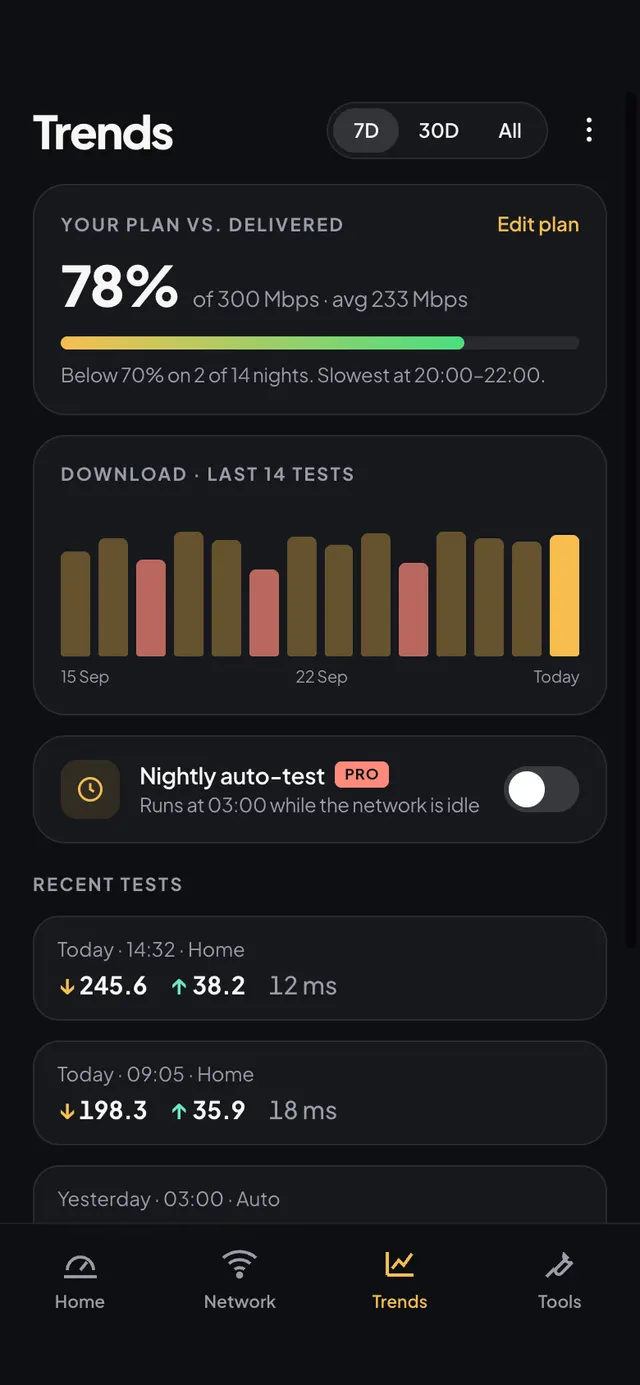
Did the fix work? Trends says.
Every scan and test is kept, so a new router or ISP shows up as a step in the graph, or doesn’t.
- Speed and signal over days and weeks
- Compare any two results side by side
- Export CSV on Pro
Small jobs, done in one tap.
Round-trip time to any host, with loss.
Resolve a name through your ISP’s DNS or one you choose.
Every hop between you and the server.
Is a port open on a device or host?
Opens your gateway’s admin page in one tap.
Wake a sleeping PC or NAS on your network.
Share your WiFi or a result as a QR code.
Two results side by side.
Scan your WiFi in thirty seconds.
Free on Android and iPhone. No account, no card.
Test your speed in the browserFree · no install · 15 s