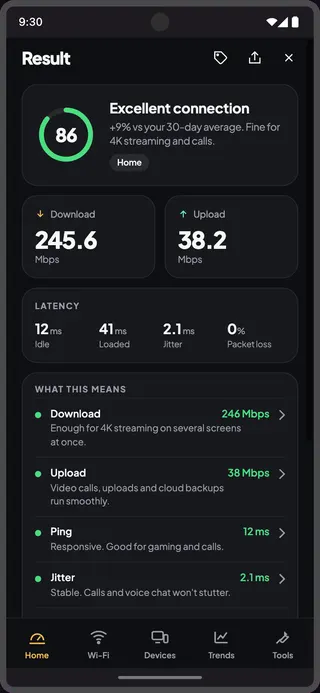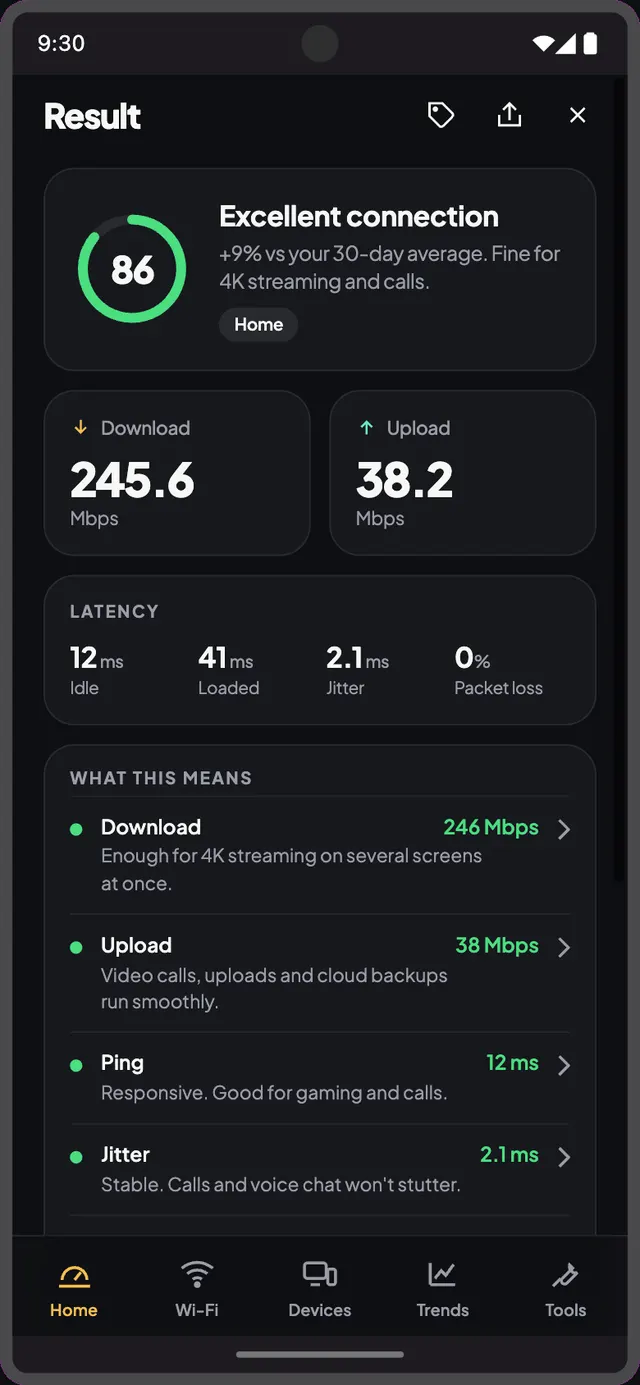
Your provider may be throttling you if speeds drop to a suspiciously even number for one kind of traffic, such as video, while everything else runs normally, or if the connection slows sharply after you pass a data allowance. A slowdown that hits everything, only in the evening, is more often congestion than deliberate throttling. To tell them apart, test the same way at different times, compare video with a general speed test, and check the terms of your plan.
Throttling, congestion or WiFi?
Three very different problems feel the same from the sofa:
- Throttling is a deliberate limit. It usually targets one type of traffic (video streaming is the common one), or kicks in after a data cap on mobile and some fixed plans.
- Congestion is too many people sharing the same part of the network. The FCC notes that speeds are often slower at peak times, roughly 7 to 11 in the evening (FCC: Broadband Made Simple).
- WiFi problems happen inside your home: weak signal, a crowded channel or a busy device. They look like a slow provider but have nothing to do with it.
Rule out the WiFi first, because it is the most common cause and the only one you can fix yourself.
1. Test next to the router
Run a speed test standing next to the router, or on a laptop with a cable. If the result is close to your plan there but low in other rooms, it is the WiFi, not the provider; see why your WiFi is suddenly slow.
2. Test at different times
Test at the same spot in the morning, the afternoon and the evening for a few days. Write down download, upload and ping each time, or let an app keep them. If the speed is fine all day and drops only in the evening, that points to congestion. WiFiy’s Trends keeps every test against your plan, and nightly tests on Pro run at the same time each night without you.
3. Compare video with everything else
Targeted throttling shows up as a gap between kinds of traffic: a general speed test reads 200 Mbps, but a video service never gets above a few Mbps, at any time of day. Researchers at Northeastern University and UMass built the Wehe app to detect exactly this by comparing a service’s traffic with a disguised copy; their study of more than 100,000 users found providers limiting video to fixed rates such as 1.5 or 4 Mbps (Li et al., SIGCOMM 2019).
A quick home check: compare the streaming service’s own quality or stats screen with a general speed test run at the same moment.
4. Read your plan’s terms
Many mobile plans, and some home plans, slow you down after a data allowance or manage video quality by default. That is in the terms, not hidden. In the US, providers have to show a broadband label with the plan’s typical speeds and network management practices (FCC broadband labels). Check whether you have hit a cap this month, or whether a “data saver” or video setting is switched on in your account.
What to do about it
- If it is congestion: report repeated evening slowdowns to your provider with the test results; persistent problems on their side are theirs to fix. A WiFiy report puts the tests on one page.
- If it is a data cap: check your usage in the provider’s app and whether a different plan removes the cap.
- If one service is limited: check for a video setting in your account, then ask the provider directly. Ask what network management applies to your plan.
- If it is your WiFi: fix the placement or channel; no plan change will help.
A VPN hides which service you are using from the provider, so it can get around throttling that targets one service, but it adds its own overhead and doesn’t help with congestion or caps.
What a fair test looks like
To compare results fairly, keep everything the same except the time: the same device, the same spot next to the router, the same test, with other devices quiet. Change one thing at a time. A result from a phone in the garden on Sunday and one from a laptop on a cable on Monday say nothing about your provider.