Download speed is how fast data reaches you: streaming, web pages, app updates. Upload speed is how fast you send data out: video calls, photo backups, sending large files, live streaming. Most home plans give far more download than upload, which is fine for watching but becomes the bottleneck the moment several people are on video calls or a backup starts.
What each one does
Almost everything you do pulls more data in than it sends out. A 4K film comes down at around 15 Mbps while your TV sends back only tiny acknowledgements. A web page is mostly download. That is why providers sell plans like 300/30 or 500/50: ten times more download than upload.
A few things reverse the flow:
- Video calls send your camera and microphone in real time. Zoom lists about 3.8 Mbps up and 3.0 Mbps down for 1080p video (Zoom), so a call is almost as heavy one way as the other.
- Cloud backups of phones and laptops send photos and videos out, often in the background.
- Sending large files to work, school or a shared drive.
- Live streaming and online gaming hosts, which send video or game state to others.
How much of each do you need?
The FCC’s fixed-broadband benchmark is 100 Mbps down and 20 Mbps up, raised from 25/3 in 2024 (FCC 24-27). That is a policy line rather than a rule for your home, but it is a useful sense of scale: 20 Mbps up covers several people on HD calls at the same time.
To size it for your own home, count what runs at once in your busiest hour. Two people on 1080p calls need roughly 8 Mbps up before anything else. The internet speed calculator adds the published figures for you, for both directions.
Signs your upload is the problem
- Your video freezes for others on calls while their video looks fine to you.
- Calls break up whenever someone else in the home is backing up or sending files.
- Uploading a video takes far longer than downloading one of the same size.
- Games are fine until someone starts a live stream.
Because upload is the smaller pipe, one big upload can fill it completely, and a full upload also slows downloads, since every download needs small acknowledgements sent back. Pausing backups during calls is often the quickest fix.
How to test both
A speed test measures both directions, one after the other. Run it next to the router first, then where you make calls. If upload is fine by the router and poor in the room, the WiFi signal is the weak link, not your plan; weak signal hurts upload in particular, because your phone’s radio is far less powerful than the router’s.
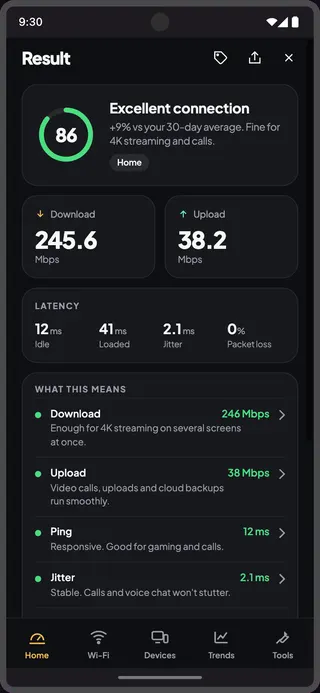
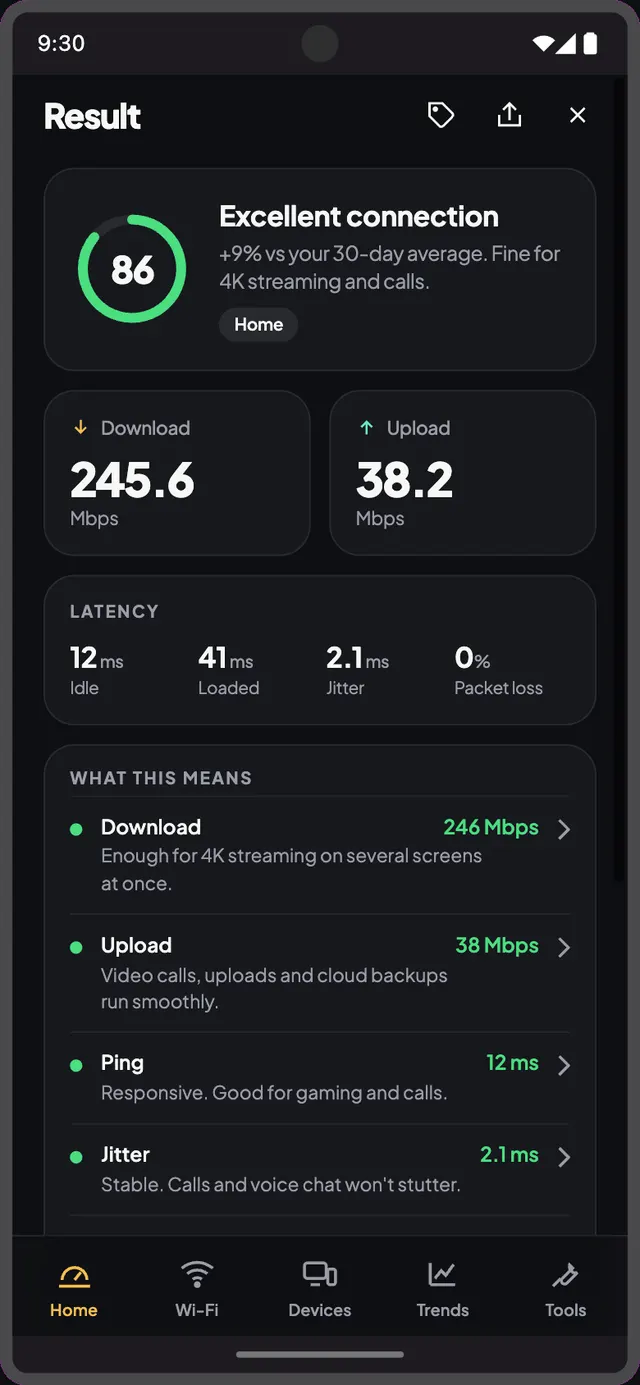
WiFiy’s speed test shows download, upload, latency, jitter and packet loss with a verdict against your plan, and Trends keeps each result so you can see whether upload drops at certain times. The browser speed test works without the app.
Why are uploads so much slower?
Cable and many DSL and wireless technologies split their capacity unevenly by design, giving most of it to download because that is what most people use. Full-fibre plans are more often symmetrical, with the same speed both ways. If your household works from home or creates a lot of video, upload is worth comparing when you choose a plan.
Remember too that speeds are sold in megabits per second. A 20 Mbps upload sends about 2.5 megabytes per second; the Mbps to MB/s converter works out how long a file will take.
A worked example
Take a home with two people working from home on a 300/20 plan. In the afternoon, both are on 1080p video calls (about 7.6 Mbps up between them, from Zoom’s figure), a phone is backing up photos to the cloud and a laptop is syncing a shared folder. Download is barely touched, but the backup and the sync together can easily take the remaining upload, and both calls start to freeze for the people on the other end.
Nothing is wrong with the line. The fix is to schedule backups for the night, or to pause them during calls. If that happens every day, a plan with more upload, or a symmetrical fibre plan, is the real answer, and the download speed hardly matters.
WiFiy’s Trends keeps upload as well as download for every test, so you can see whether upload is the number that drops when calls go wrong.