If your internet is slower than the plan you pay for, first check where the speed is lost: test next to the router, or with a cable. If it is close to the plan there, your line is fine and the WiFi in your home is the bottleneck. If it is far below the plan even at the router, test several times over a few days, then send your provider the results. Plans are sold as “up to” a speed, so one low test proves little; a week of them is evidence.
Why tests come in under the plan
A few things make every result a little lower than the number on the bill, and none of them is the provider cheating:
- “Up to” speeds: the advertised figure is a ceiling. The FCC notes that the speed you experience varies with your equipment, how many devices are online, network congestion and your neighbours’ usage (FCC consumer guide).
- Overhead: part of every connection carries addressing and error checking, so a 100 Mbps line typically tests in the 90s.
- WiFi: the biggest loss in most homes. A phone two rooms from the router may get half the plan or less.
- The device: older phones and laptops can’t reach high speeds over WiFi at all.
1. Test where it counts: at the router
Stand next to the router, or plug a laptop in with a cable, close other apps and pause big downloads on other devices. Run the test two or three times. This is the number that tells you what the line delivers. Then test where you normally use the internet; the gap between the two is what your WiFi costs you.
2. Fix what is yours to fix
If the router result is fine and the room result isn’t, the fix is in your home: move the router higher and more central, pick a quieter channel, or add coverage. Start with why your WiFi is suddenly slow and where to place your router. Restart the router and modem too; it costs nothing and often helps.
3. Build a record over several days
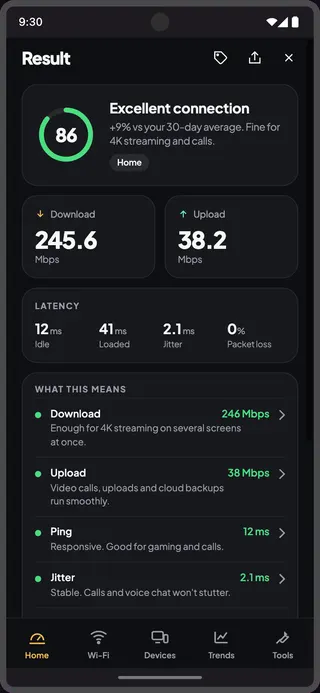
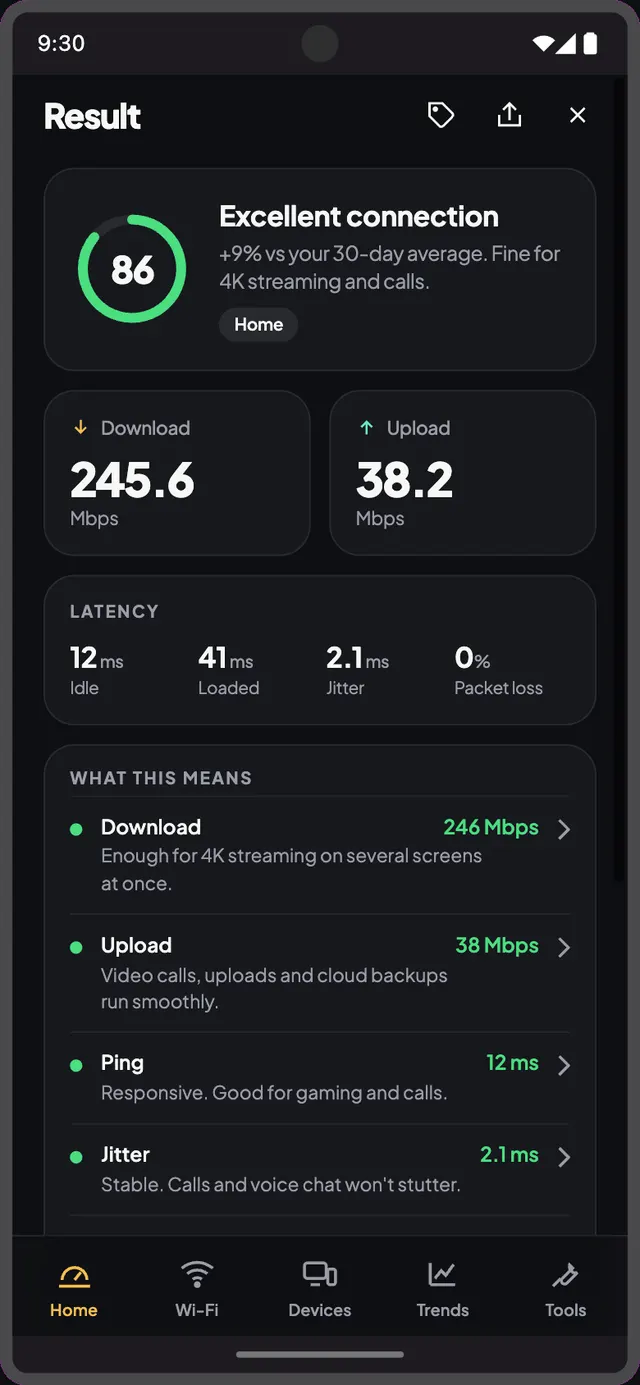
If the result is low even at the router, test at the router at different times for three to seven days: morning, afternoon and evening. A pattern matters more than any single test. WiFiy keeps every result against your plan in Trends, and nightly tests on Pro run automatically at the same time each night.
4. Send your provider proof
Contact your provider with the tests, not just “it’s slow”. Include the plan speed, the results with dates and times, and the fact that you tested next to the router or on a cable. That answers their first questions before they ask them.
In WiFiy, tap the share icon on a result, or go to Tools › Share WiFiy report:
Result › Share › Share report
The report puts speed against your plan, signal, channel, devices and the last seven days on one page, with a plain line on the likely cause. You can share it as a link, image, PDF or a six-letter code that support can open at wifiy.app/support. It never includes your location, WiFi password, MAC addresses or public IP, and it expires after seven days. See a sample report.
5. Know what your plan promises
What you are entitled to depends on your country and contract:
- US: providers must show a broadband label with the plan’s typical speeds (FCC broadband labels). Compare your tests with the typical figure, not the headline one.
- UK: providers that sign Ofcom’s voluntary speeds code give a minimum guaranteed speed when you buy. If speeds stay below it and the provider can’t fix it within 30 days of you reporting it, you can leave the contract without penalty (Ofcom).
- Elsewhere: check your contract and your regulator’s consumer pages for minimum speed commitments.
This is general information, not legal advice.
Questions to ask your provider
- What typical or minimum speed does my plan commit to at this address?
- Can you see any faults or congestion on my line or in my area?
- Is the equipment you supplied (modem or router) up to date and able to deliver my plan?
- If you can’t fix it, can I move to a plan that my line can actually deliver, or leave without a penalty?