A mesh system replaces your router’s WiFi with several units that work together as one network, so devices move between them as you walk around. An extender is a single add-on box that repeats your existing router’s signal. Mesh costs more and covers a whole home smoothly; an extender is cheaper and can fix one weak room, usually at a cost in speed. If you only have one dead spot, try free fixes first, then an extender; if the whole home is patchy, mesh is the better buy.
How each one works
A mesh system is a main unit (connected to your internet line) plus one or more points. Google describes it as several sources of connectivity around the house instead of a single router, all under one network (Google Nest Help). The units talk to each other, and your devices connect to whichever is best placed, without you switching networks.
An extender (also called a repeater or booster) picks up your router’s WiFi and rebroadcasts it. Many create a second network name, so devices have to switch between “Home” and “Home_EXT” as you move, and some cling to the weaker one.
The speed catch with extenders
A basic single-band extender uses the same radio to listen to the router and to talk to your devices, and it can’t do both at once. Everything it carries has to be sent twice over the air, so the speed through it can drop to roughly half. Dual-band and tri-band extenders reduce the problem by using a separate band for the link back to the router, and mesh systems are built around that idea.
Either way, the link back to the router is the weak point. Placed in the dead room itself, an extender only repeats a poor signal. Placed halfway, where the router’s signal is still good, it has something worth repeating.
Side by side
- Coverage: mesh covers a whole home evenly; an extender fixes one area.
- Network name: mesh is always one network; extenders often add a second one.
- Speed: mesh keeps more of your speed at a distance; a single-band extender can halve it.
- Cost: an extender is the cheaper option; mesh systems cost more, especially with several points.
- Setup: both are app-guided today. Mesh usually replaces your router’s WiFi, so you may turn the old router’s WiFi off or set it to bridge mode.
- Wired backhaul: if you can run Ethernet between units, many mesh systems and some extenders (as access points) use the cable for the link, which is faster than any wireless one.
Try the free fixes first
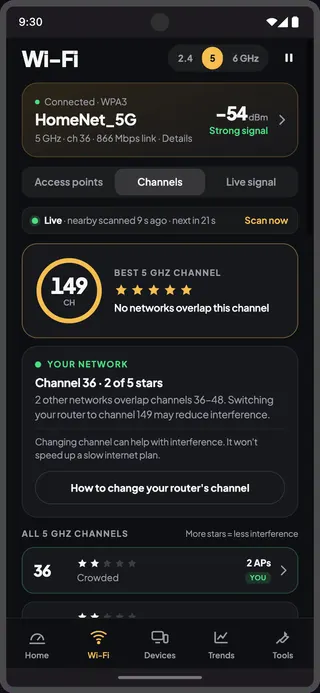
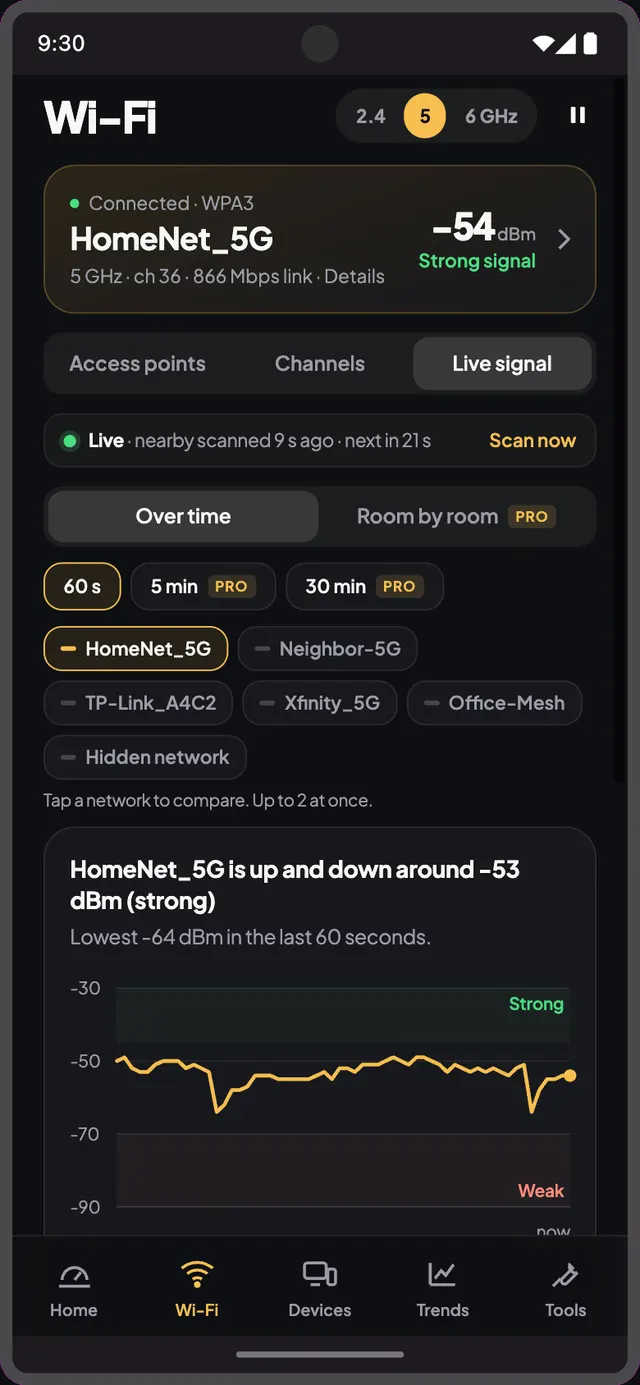
Many “dead zones” are placement problems. Before buying anything, move the router higher and more central, and pick a quieter channel. See the best place to put your router and why your WiFi is slow in one room. On Android, measure the weak room with WiFiy’s Live signal before and after each change, so you know what helped.
Where to put the extra unit
Google’s placement advice for mesh points works for extenders too: about two to three rooms apart, one per floor in a two-storey home, and halfway towards the weak area rather than inside it (Google Nest Help). A good test: the spot you choose should still get a strong signal from the router, better than about −65 dBm.
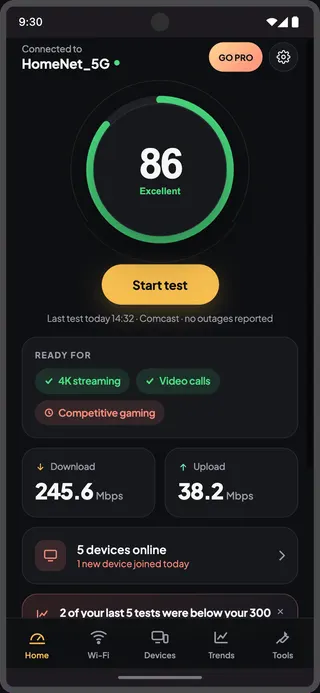
Afterwards, test speed in the weak room again. WiFiy’s Trends keeps each test against your plan, so the improvement shows up as a step in the graph, or doesn’t.
Which should you buy?
- One room is weak, the rest is fine: a dual-band extender placed halfway, or one mesh point if your router supports mesh.
- Several rooms or floors are patchy: a mesh system.
- You can run a cable: an access point or mesh point on Ethernet gives the best result of all.
- Everything is slow, even next to the router: neither will help; the problem is the line or the router. See why your WiFi is suddenly slow.
Check before and after
Whichever you choose, measure the weak room first and again after setup. A good result is a signal better than about −67 dBm and a speed test close to what you get near the router. If the new unit barely helped, it is usually too far from the router; move it one room closer and test again.