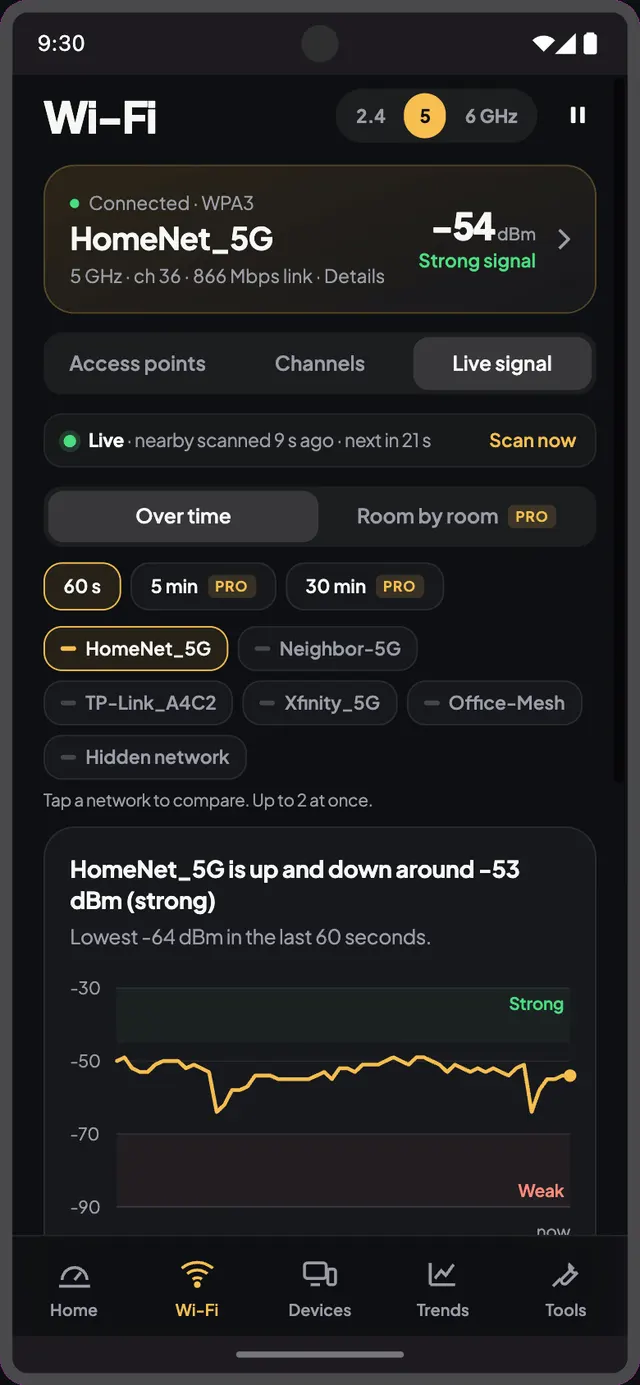
The most common WiFi complaint is not “it’s slow”. It is “it’s slow over there”. The kitchen is fine, the office is fine, and the back bedroom drops every call. Almost always the line is fine and the plan is fine. The signal just doesn’t reach, or it reaches on a channel that three neighbours are also using.
Why one room is slower
WiFi is radio. Every wall takes a bite out of it: plaster a small one, brick and concrete a big one, a fridge or a mirror a surprising one. 5 GHz is faster but weaker through walls; 2.4 GHz reaches further and is slower. The room furthest from the router, behind the most walls, loses first.
1. Measure it before you move anything
Open WiFiy, start a Signal walk and go to the slow room. Watch the dBm settle. Anything better than −60 is good; −70 is borderline; −80 is why your video calls freeze. Save the spot so you can compare later.
2. Check the channel
In Network, look at the channel graph. If your 2.4 GHz network sits on channel 6 with four neighbours, move to 1 or 11. On most routers this is a one-line setting.
3. Move the router, a little
Routers belong high, central and out of cupboards. Moving one from the floor behind the TV to a shelf often gains 10 dBm, more than most “boosters”.
4. Only then buy hardware
If the saved spot is still weak after channel and placement, a mesh node halfway to the room is the right purchase. Walk again afterwards; Trends shows whether it worked.